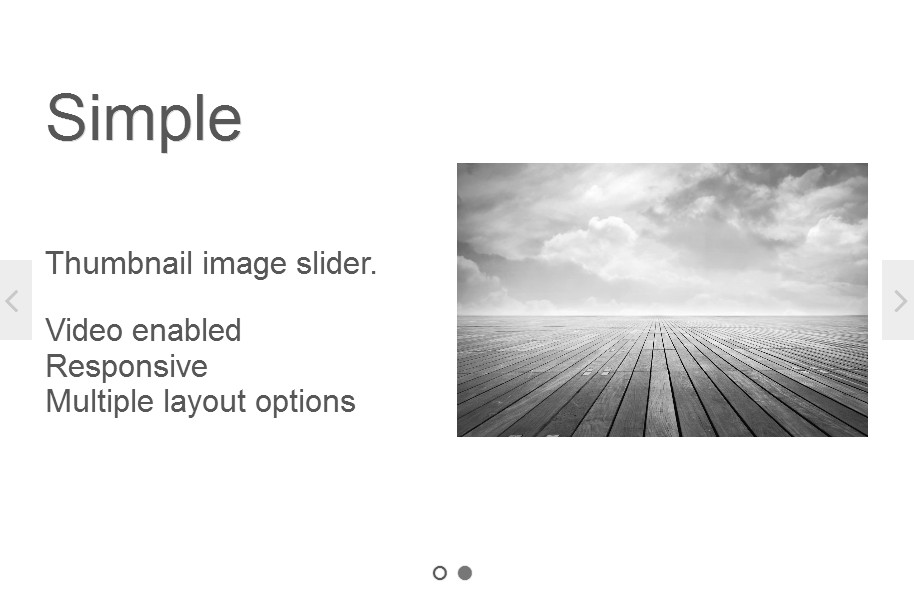
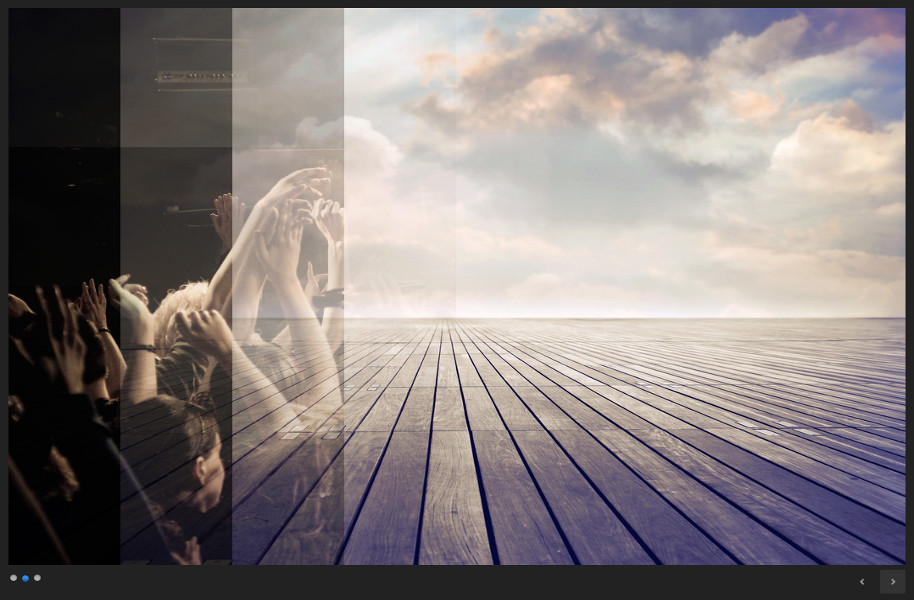
All themes can be color customized by simply creating a new color stylesheet with a unique name into folder colors available in each slider theme folder. This enables color customization without changing the main theme stylesheet.
Please note that themes can be switched on any slider you create at any time.
While some of the themes are available in both Featured Articles PRO and Lite versions, others are available only for PRO users.
See and test below all available themes Featured Articles currently has.
All sliders displayed below are using real posts from our website.
Theme Classic free
Theme classic simply comes in two colors, dark and lite. Creating new color schemes is very easy and implies only changing the colors on certain element by using a custom stylesheet.
Available in both Featured Articles PRO and Lite.
The video slide is a feature available only for custom created slides in Featured Articles PRO.
My First slide
October 24, 2011Theme Smoke free
Smoke displays the info panel overlapped on the background image. Other than that, animation is pretty straight forward.
Available in both Featured Articles PRO and Lite.
Theme Title Navigation free
Title Navigation is different from Classic only by displaying the navigation links on the right side and it doesn’t have thumbnail animation.
Available in both Featured Articles PRO and Lite.
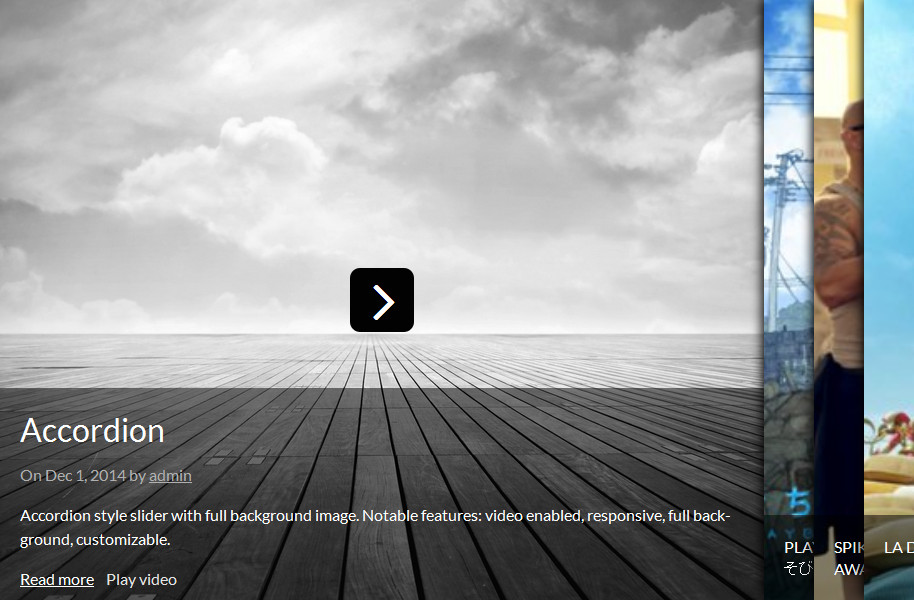
Theme Accordion PRO
Accordion is video enabled and responsive. The script will resize the slides according to the width of the page on both page load and window resize.
Available for Featured Articles PRO.
Theme Carousel PRO
Carousel is also video enabled and responsive. Bottom navigation will resize itself according to the width of the page on both page load and window resize and on resize will keep the active element in view.
Available for Featured Articles PRO.
Theme Minimal PRO
A great looking theme with a nice explosion effect implemented in it. Also, it has thumbnail display on navigation mouse over and sideways navigation on mouse over.
Available for Featured Articles PRO.
My First slide
Second slide
And finally, third slide
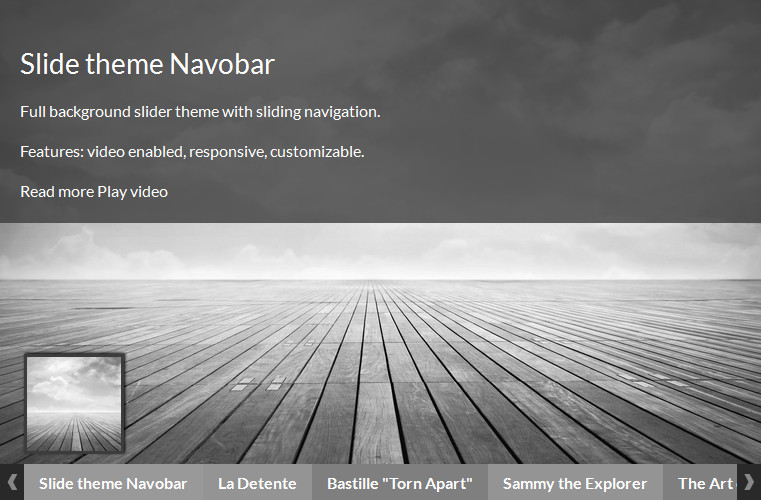
Theme Navobar PRO
This theme comes with timer implemented when autoslide is on and animation on info panel. Also, when navigation links exceed the total width of the slider, navigation slides on current element or can be navigated by clicking the left-right arrows. Same as previous theme, it displays a thumbnail on navigation mouse over.
Available for Featured Articles PRO.
Theme Ribbons PRO
Same as Navobar, Ribbons has a timer implemented on autoslide. Except that, it animates the info panel on slide change.
Available for Featured Articles PRO.
My First slide
Second slide
And finally, third slide
Theme Strips PRO
Strips is recommended for small pieces of information. It has a nice effect on slide change and displays information in a pretty unusual way.
Available for Featured Articles PRO.
And these are just the default themes!
Don’t forget, with a little bit of CSS and some drops of JavaScript you are able to create an entirely different theme suited for your specific project.
Get Featured Articles PRO!
And have all the above themes ready to get into action; priority support included.